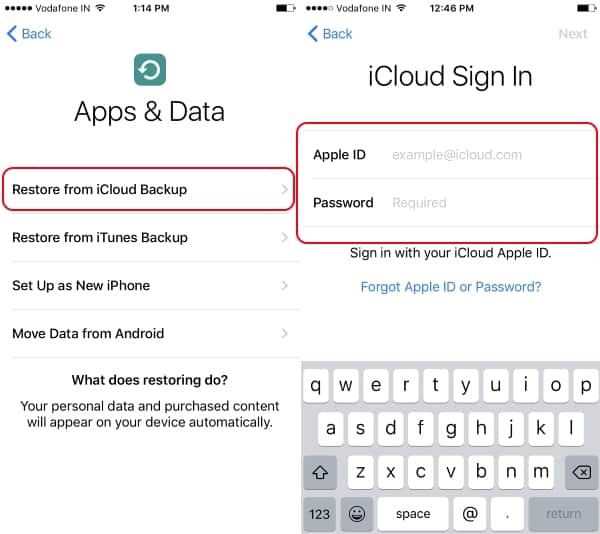
This will wipe clean the idevice, prompting you to set up as a new device or restore from an itunes or icloud backup. restore from icloud backup. i had just deleted the note, so i chose an icloud backup from the day before.. Restore all notes from icloud. ask question. the simplest way is to go to icloud.com, log in with your icloud apple id, and click the "notes" app icon. how to restore individual app data from icloud while keeping all the other apps installed and new data created since the last icloud backup? 1.. Icloud is built into every apple device. that means all your stuff — photos, files, notes, and more — is safe, up to date, and available wherever you are. and it works automatically, so all you have to do is keep doing what you love..
How to recover deleted notes on iphone x/8/7/6s/5 with icloud backup – step 5 if you fail to find the deleted or lost iphone notes after scanning one icloud backup, you can repeat again to scan other icloud backups.. Since icloud now is a more preferred way for people to do a backup, i am going to show you how to restore notes from icloud. let's see the details in the following guide. let's see the details in the following guide.. Get notes from icloud and recover them by extracting icloud backup files, and allows you to export icloud notes to computer. besides notes, you can also get contacts, messages , photos , whatsapp messages , calendar and more in icloud..